
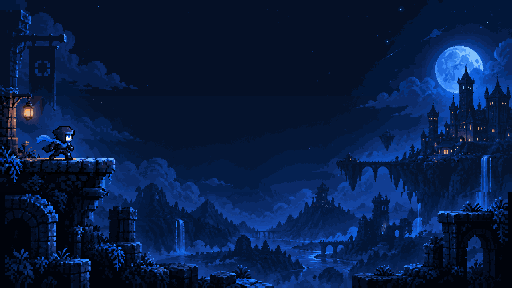
AI pixel art generation for games
The AI pixel art generator
built for game assets.
Generate characters, items, tilesets and backgrounds from a line of text. Then refine every pixel in the built-in editor and keep it all consistent across your project.
New accounts get 300 free credits!
Export game ready with
 Unity
Unity Godot
Godot Unreal
 GameMaker
How it works
From idea to editable asset
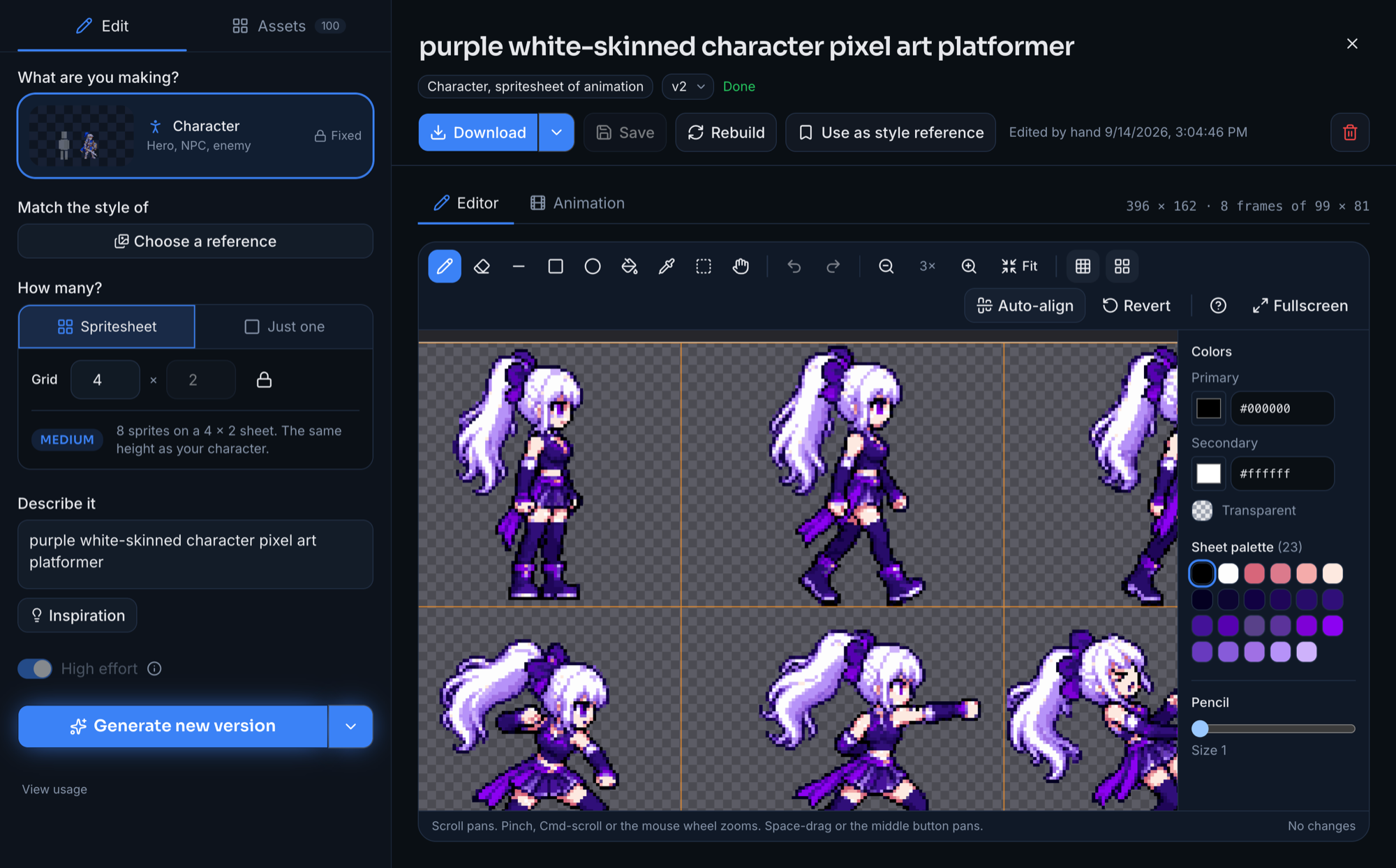
Choose what you're making, generate a first pass with AI, then refine it in the editor.
- 1
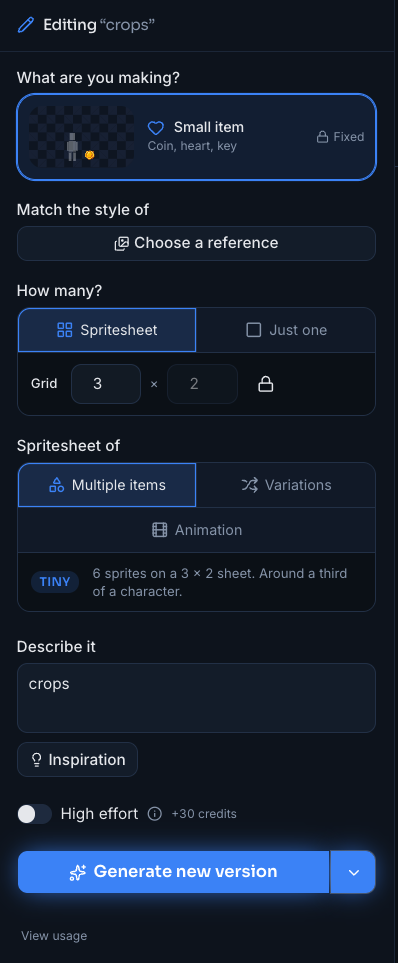
Choose asset type
Pick the kind of asset so scale and sheet behavior start in the right place.
What are you making?
- 2
Generate
Write a prompt and create a first pass using your project references.
- 3
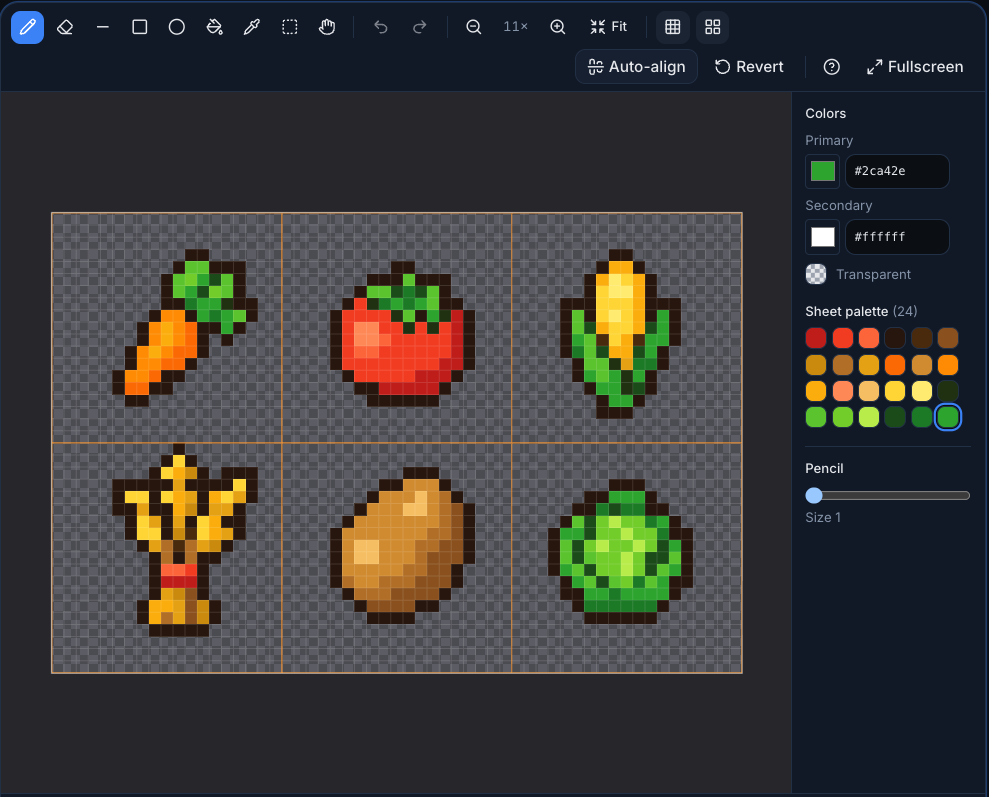
Refine in the editor
Tweak pixels, auto-align frames, adjust colors, and rebuild when needed.
- Project references
- Sprite sheets
- Auto-align
- Rebuild
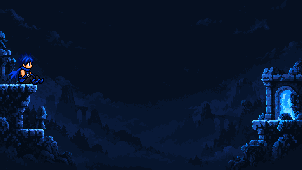
Backgrounds in layers, ready to scroll
Describe the scene once and get it as two to four separate layers, each looping on its own, drawn so the near one moves faster than the far one. Drop them into your engine as they are.
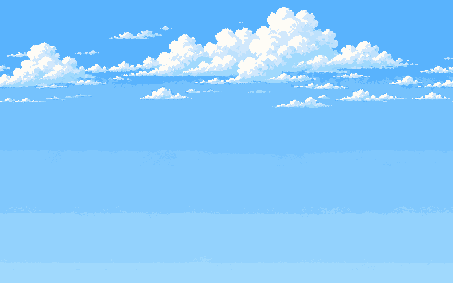 Sky 1/4 · 90s
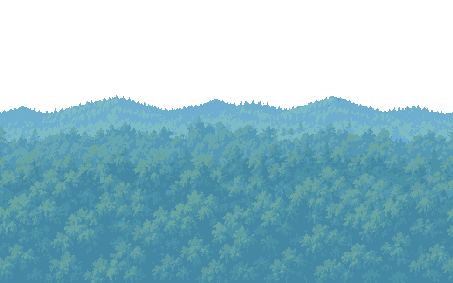 Far hills 2/4 · 45s
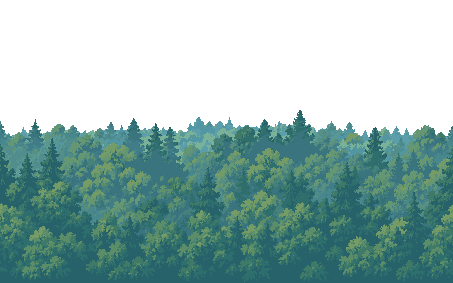 Tree line 3/4 · 22s
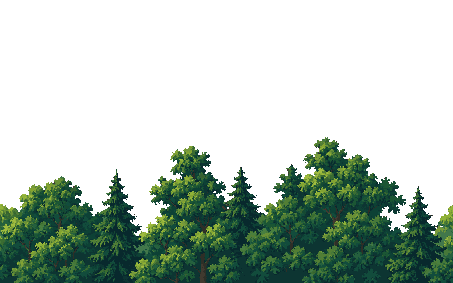 Near trees 4/4 · 12s
Create Asset Types.
Different assets need different scale, sheet behavior, and generation defaults.


Small item
Pickups and HUD.


Medium item
Inventory icons.

Character
Gameplay scale.


Creature
Animals and enemies.

Prop
Interactive objects.

Structure
Tall level pieces.
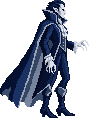
Boss
Set-piece enemies.

Terrain
Seamless tiles, cut apart.
Scale rules
Assets are drawn at the right size for their type, so a coin is never as big as the hero.
Sheet behavior
Variations, animations, tilesets and parallax layers get the sheet layout they need.
Generation defaults
Prompts and output settings are tuned for each type before you type a word.
Build the whole world in
one workspace
Every type from the shelf above, in one level: hero, bat, gargoyle, pickups, props, structure, tiles and the boss, one project, one style, one place.
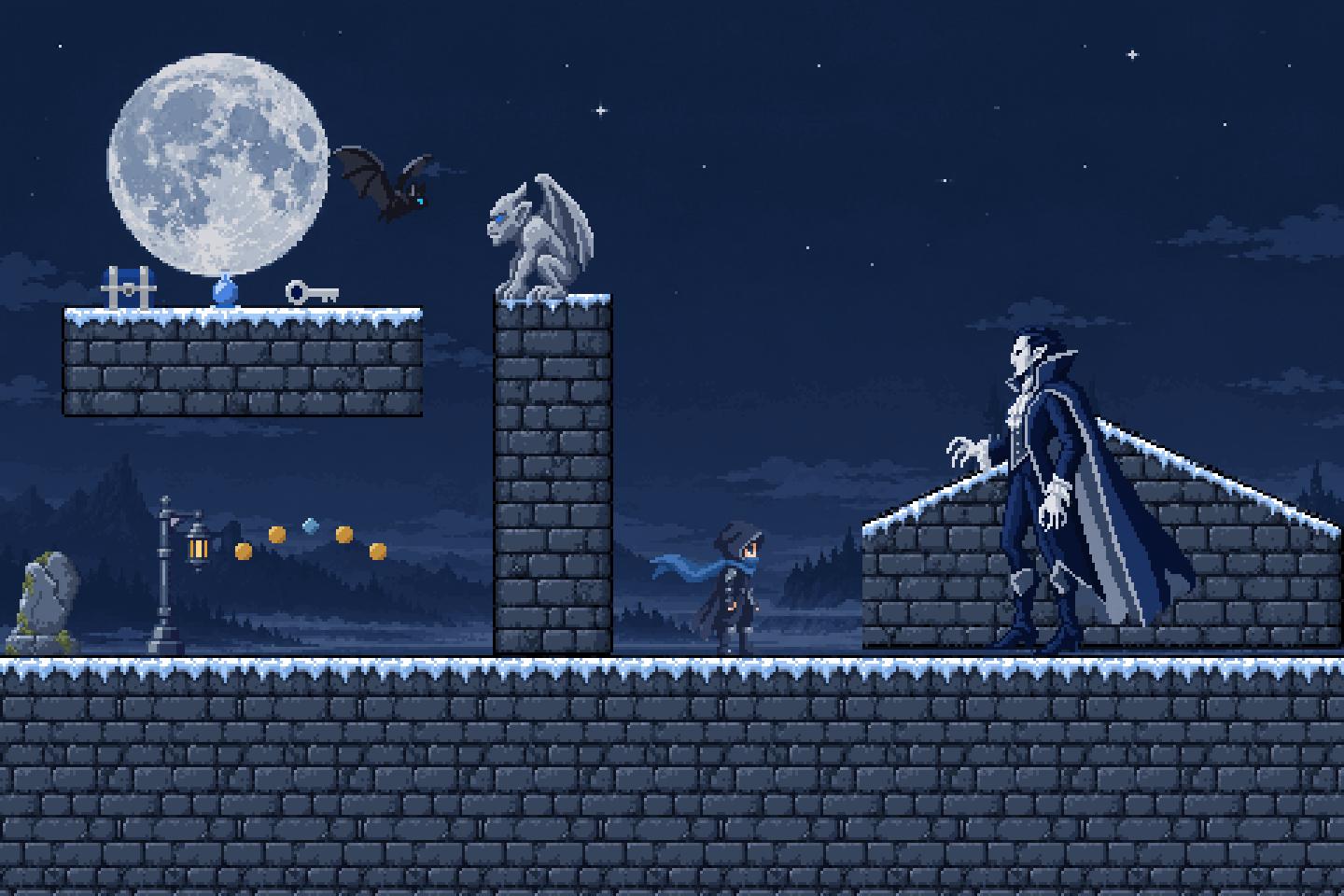
Workspace
Built for projects, not one-off generations
Every asset belongs to a project. Projects keep references, settings, assets and versions together, so a game's art lives in one place from the first sketch to the last export.
- One project per game, with its own perspective and style rules
- An asset library with every version of every sprite
- Approved references that guide what comes next
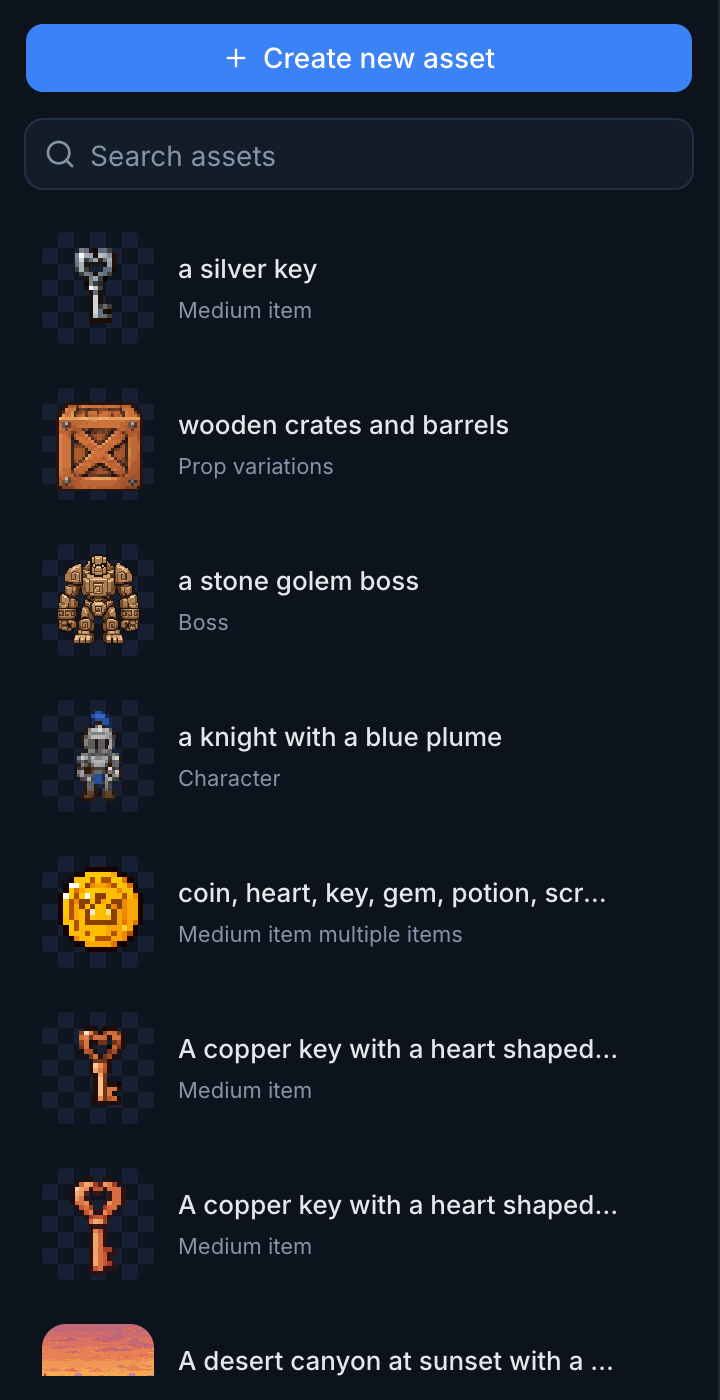


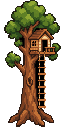
New enemy, prop and structure, all drawn with the hero as reference.
Consistency
Guide new assets with project references
Add approved references for your project, or point a generation at one earlier asset when you need a stronger visual anchor. References keep the project visually stable as it grows.
Editor
Generation is only the starting point
Fix small mistakes, align frames, adjust pixels, and rebuild the result without paying for another generation.
- Pixel editing
- Palette controls
- Auto-align
- Animation frames
- Rebuild
- Revert
Pricing
Start small. Scale when your project does.
Two plans, both with every asset type and unlimited editing. New accounts get 300 free credits to start.
Hobbyist
The best way to start.
$11.99 / month

- 2,500 credits every month
- About 100 generations with typical use
- Every asset type, including backgrounds
- Unlimited rebuilds and pixel editing
Pro
For shipping a whole game.
$24.99 / month

- 7,000 credits every month
- About 250 to 300 generations with typical use
- High effort mode for all asset types
- 34% more credits per dollar than Hobbyist
- Every asset type, including backgrounds
- Unlimited rebuilds and pixel editing
FAQ